Your office days,
tracked effortlessly.
Log from your iPhone, Apple Watch, a notification, or Siri. Everything stays on your device — no account, no sign-in, no cloud.
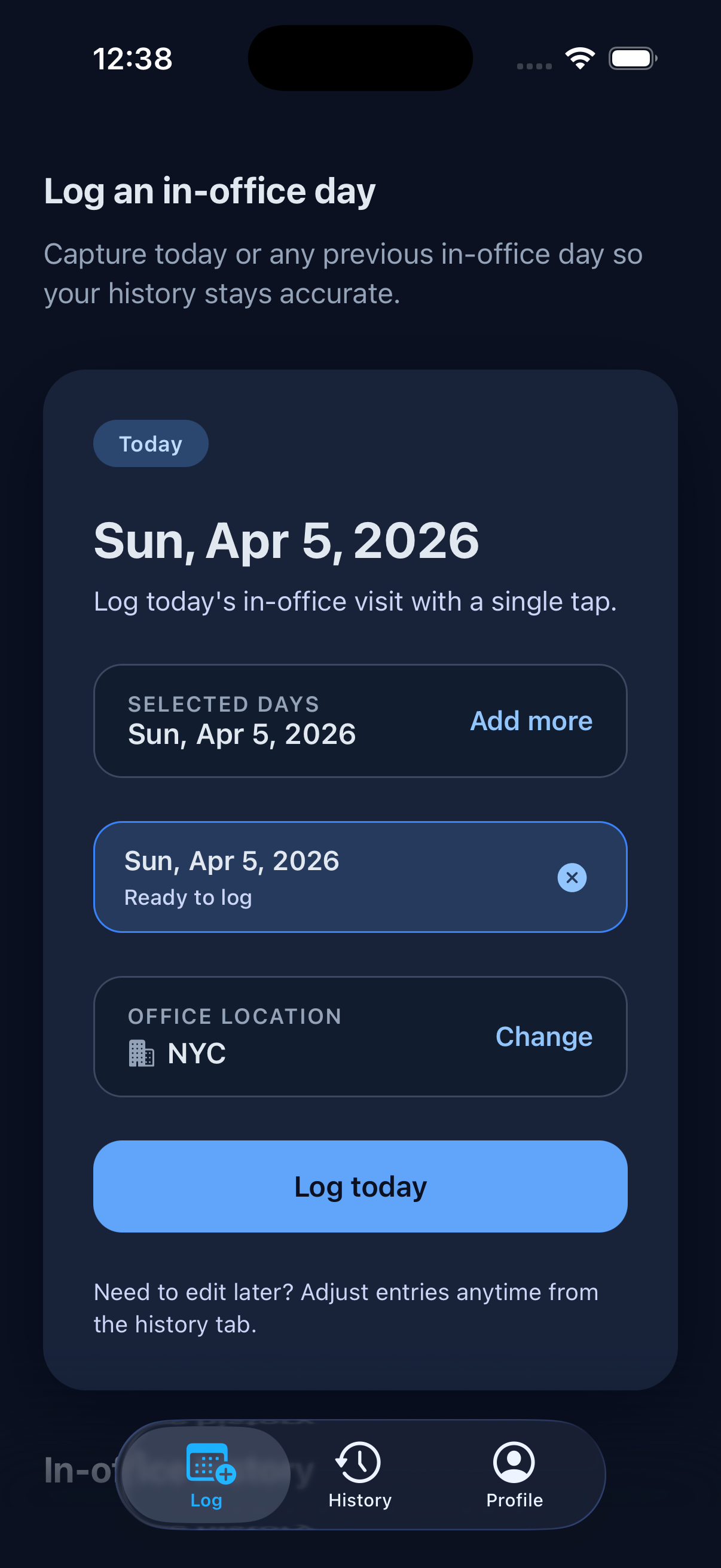
Log your day
Tap today to log it. Your primary office is attached automatically — change it anytime or pick a different one per entry. Need to catch up? Select up to 14 days at once.
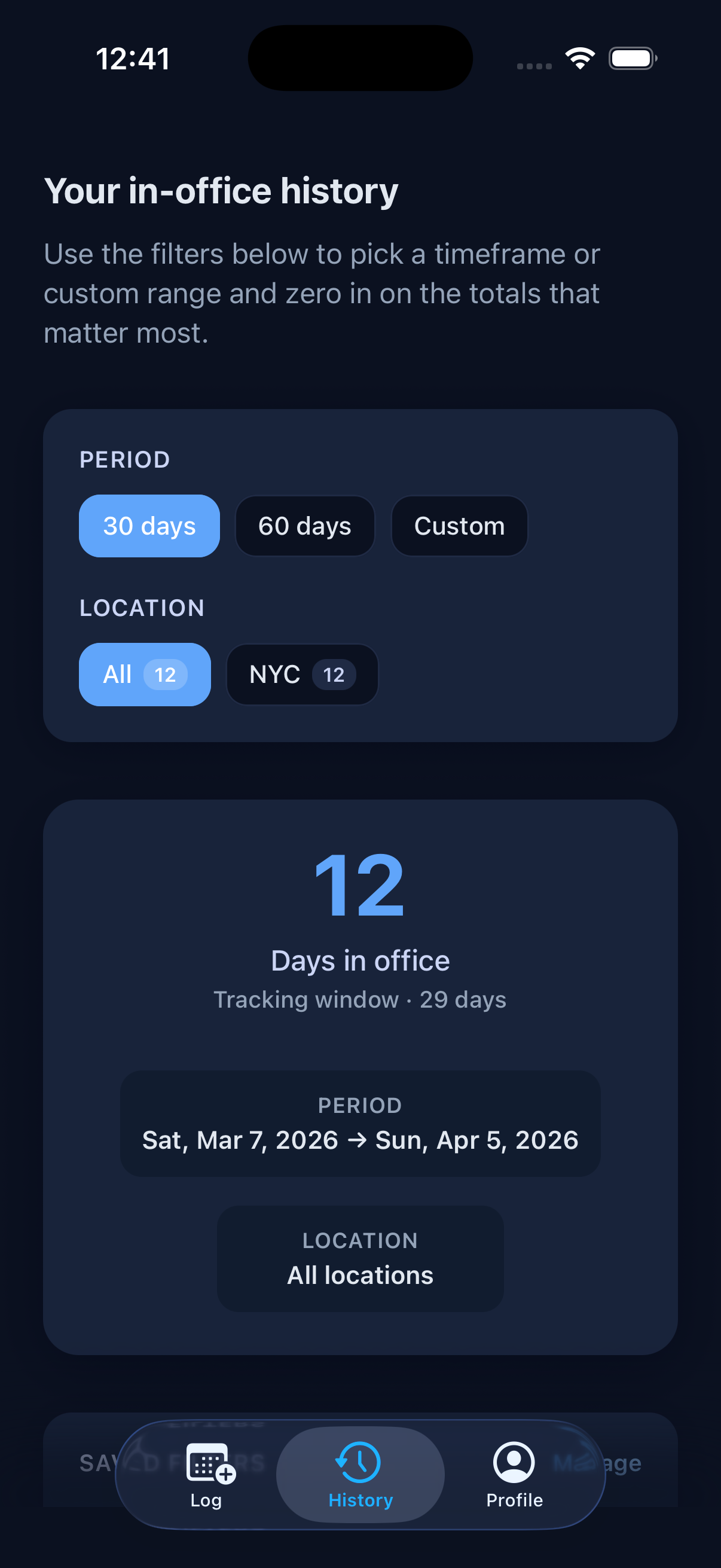
Track your history
See how many days you've been in the office over the last 30 days, 60 days, or a custom range. Filter by location to compare across offices.
Manage office locations
Save the offices you visit most often, mark one as your primary location, and let Tappd select it automatically when you log from reminders, Siri, or Apple Watch.
You can keep up to five locations in your profile and change the primary office any time.
Office setup
- Save up to 5 office locations
- Pick a primary office for quick logging
- Reuse it from reminders, Siri, and Apple Watch
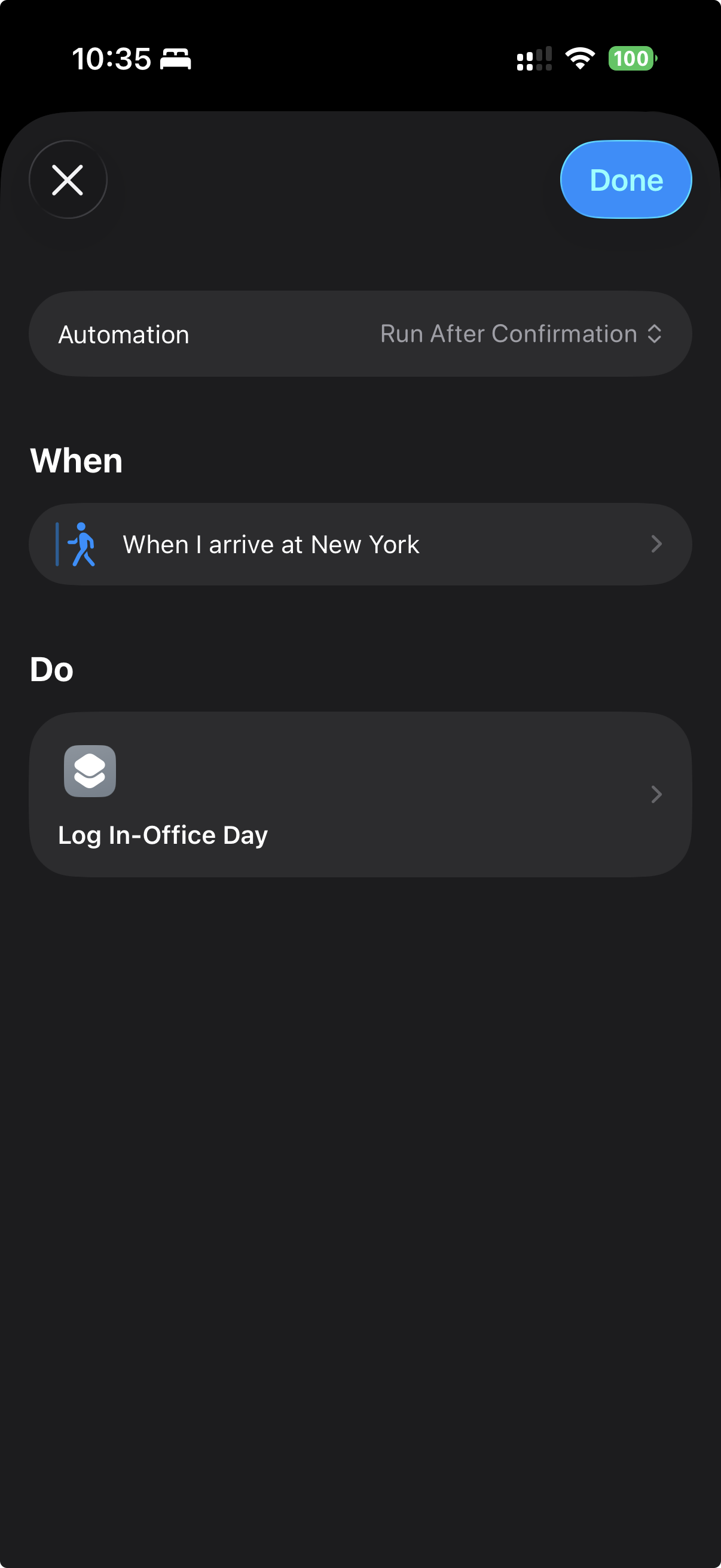
Automate with Shortcuts
Build a Personal Automation in the Shortcuts app and drop in Tappd's Log In-Office action. Trigger it when you arrive at the office, leave for the day, or whenever your routine starts.
It uses your primary office automatically, so you can turn a daily commute into a one-tap or no-tap log. Tappd does not request device location permission; any arrival or departure trigger is managed by Apple's Shortcuts app.
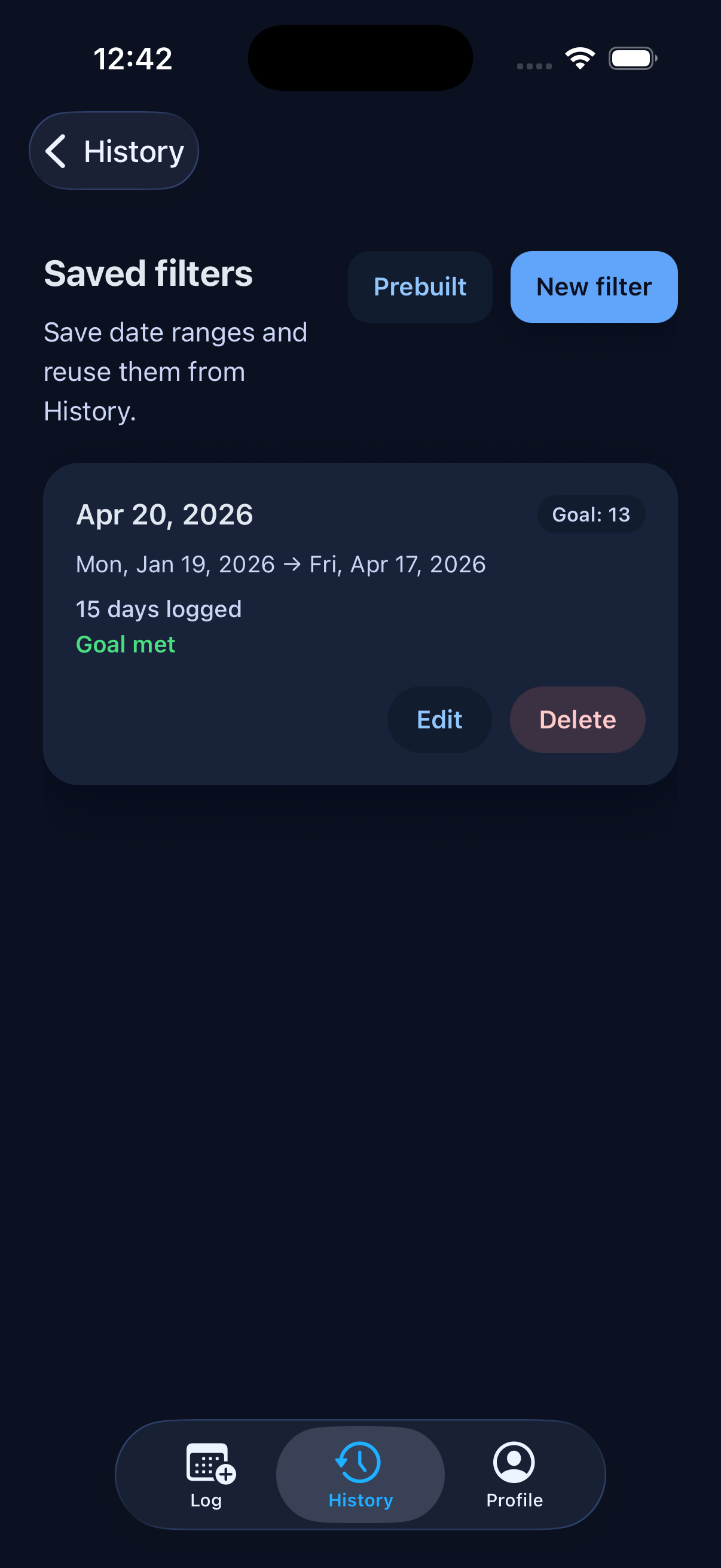
Custom filters & goals
Save date ranges as reusable filters, start from prebuilt ranges, and set a target number of in-office days. Tappd tracks your progress and tells you when the goal is met.
History keeps your saved filters handy so you can jump back to the ranges you use most.
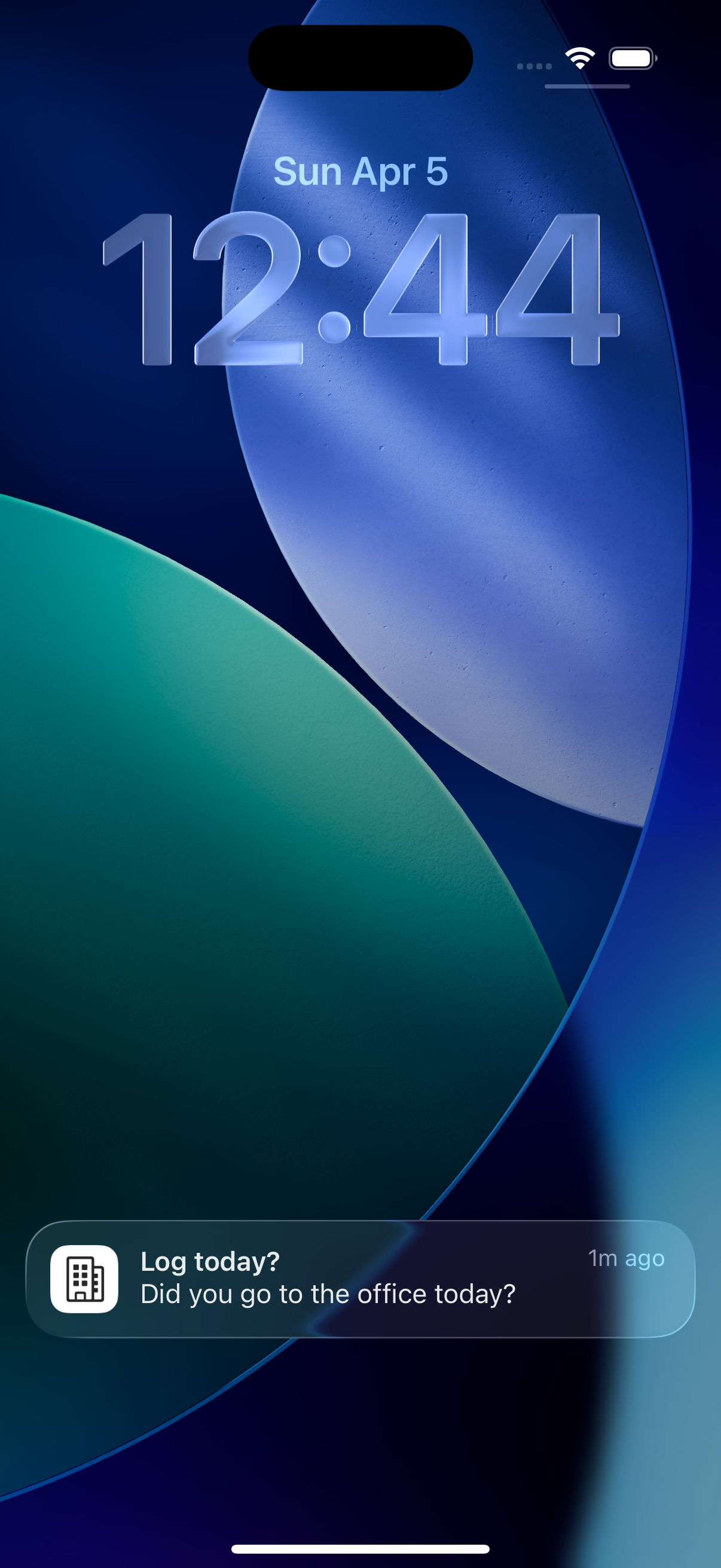
Log from a notification
Set a daily reminder and log with a single tap — no need to open the app. Your primary office is used automatically.
Apple Watch companion
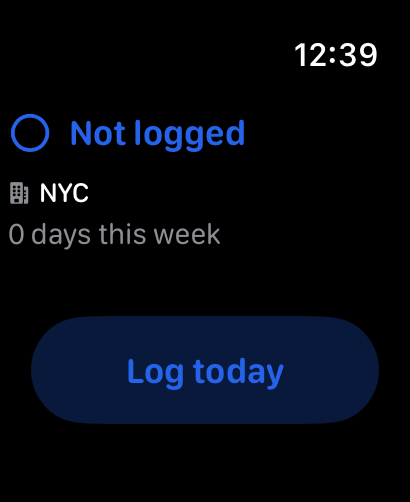
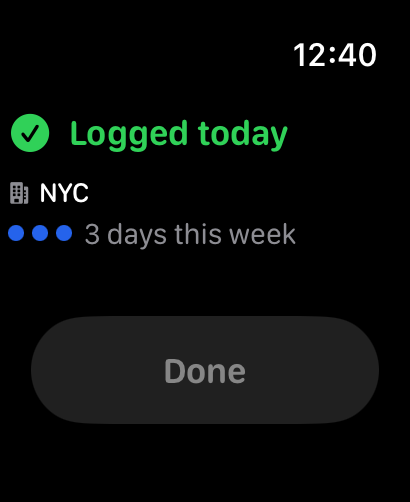
See today's status, your primary office, and this week's count at a glance. Tap to log right from your wrist — it syncs automatically with your phone.